用于日后检索和归档,建立知识索引。
实验编号/标题:Claude Code 规划模式实验
日期:Mar 17, 2026
所属领域/标签:例如:#Claude Code
🎯 实验前:假设与目标 (Plan)#
不要在此处长篇大论,用一两句话厘清“为什么做这个”。
当前问题 (Problem):我现在遇到了什么阻碍?或者我想解决什么问题?#
了解下 Claude Code 规划模式是如何执行的。
实验目标 (Objective):做完这件事,我想达到什么具体效果?#
完成一次 Claude Code 的规划模式编写代码。
核心假设 (Hypothesis):(最关键的一步) 我认为怎么做能成功?#
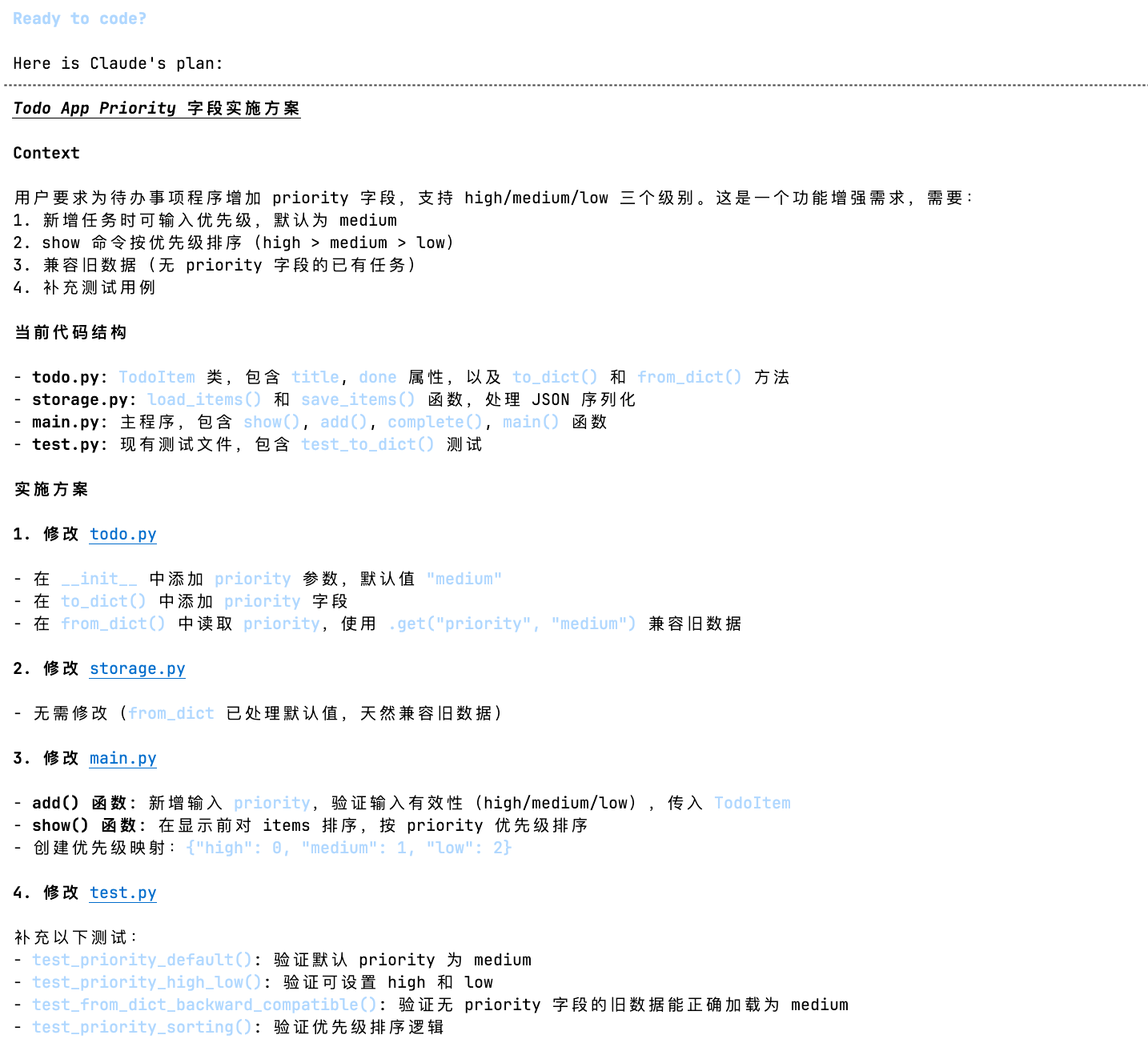
Plan Mode 的核心特征:
- 会以只读方式分析代码库,适合做代码探索、复杂改动前的方案设计、以及安全审查。
- 先问需求澄清问题,再给出计划
- 在 IDE 里面先展示计划等你批转,不会直接改。
🧪 实验中:执行步骤与变量 (Do)#
记录“我到底做了什么”。如果是代码,粘贴关键片段;如果是实物操作,记录参数。
准备工作/工具:#
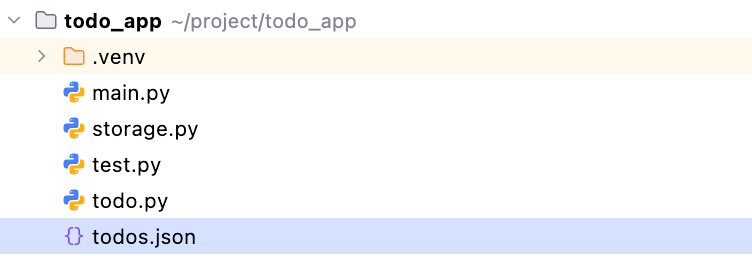
Python 小项目
storage.py
 1
 2
 3
 4
 5
 6
 7
 8
 9
10
11
12
13
14
| import json
from todo import TodoItem
def load_items(filename="todos.json"):
try:
with open(filename, "r", encoding="utf-8") as f:
data = json.load(f)
return [TodoItem.from_dict(x) for x in data]
except FileNotFoundError:
return []
def save_items(items, filename="todos.json"):
with open(filename, "w", encoding="utf-8") as f:
json.dump([x.to_dict() for x in items], f, ensure_ascii=False, indent=2)
|
test.py
1
2
3
4
5
6
| from todo import TodoItem
def test_to_dict():
item = TodoItem("test")
assert item.to_dict()["title"] == "test"
assert item.to_dict()["done"] is False
|
todo.py
 1
 2
 3
 4
 5
 6
 7
 8
 9
10
11
12
13
14
15
16
17
| class TodoItem:
def __init__(self, title, done=False):
self.title = title
self.done = done
def to_dict(self):
return {
'title': self.title,
'done': self.done
}
@staticmethod
def from_dict(data):
return TodoItem(
title=data["title"],
done=data.get("done", False),
)
|
main.py
 1
 2
 3
 4
 5
 6
 7
 8
 9
10
11
12
13
14
15
16
17
18
19
20
21
22
23
24
25
26
27
28
29
30
31
32
33
34
35
36
| from storage import load_items, save_items
from todo import TodoItem
def show(items):
for i, item in enumerate(items, 1):
mark = "x" if item.done else " "
print(f"{i}. [{mark}] {item.title}")
def add(items):
title = input("title: ").strip()
items.append(TodoItem(title))
def complete(items):
idx = int(input("index: ")) - 1
if 0 <= idx < len(items):
items[idx].done = True
def main():
items = load_items()
while True:
cmd = input("command(add/show/done/quit): ").strip()
if cmd == "add":
add(items)
save_items(items)
elif cmd == "show":
show(items)
elif cmd == "done":
complete(items)
save_items(items)
elif cmd == "quit":
break
if __name__ == "__main__":
main()
|
控制变量 (Variable):#
不变的量:(例:目标网址、抓取频率)
改变的量 (测试点):(例:User-Agent 字符串,IP代理池)
执行步骤 (Log):#
普通模式#
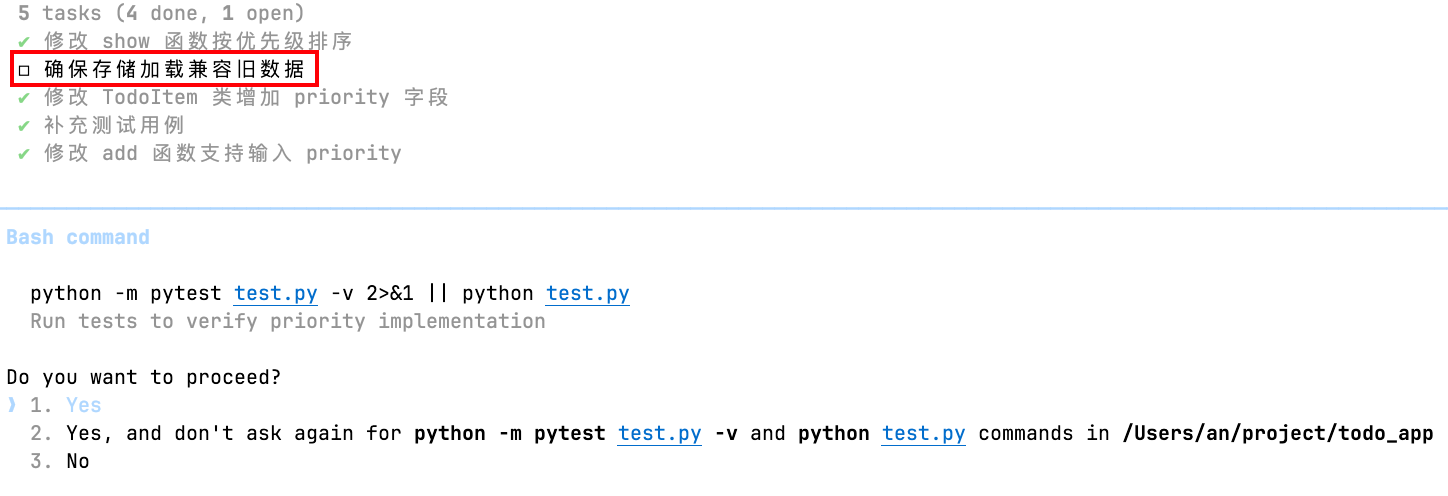
- 下达任务
1
2
3
4
5
6
7
| 给这个待办程序增加 priority 字段,取值 high/medium/low。
要求:
1. 新增任务时可输入 priority,默认 medium
2. show 时按 high > medium > low 排序
3. 保存和加载都要兼容旧数据
4. 补充必要测试
5. 先尽快完成
|
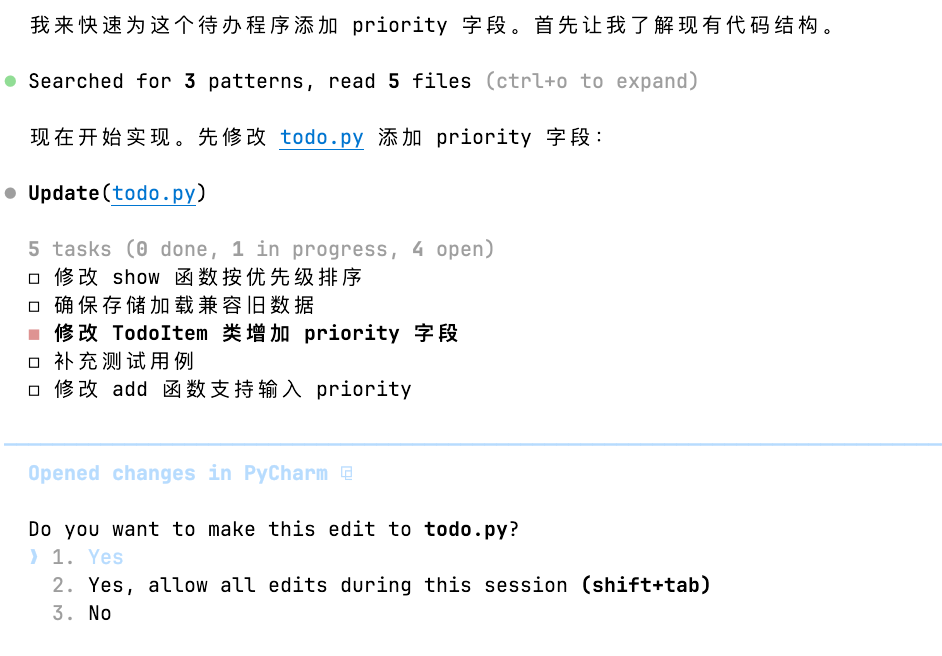
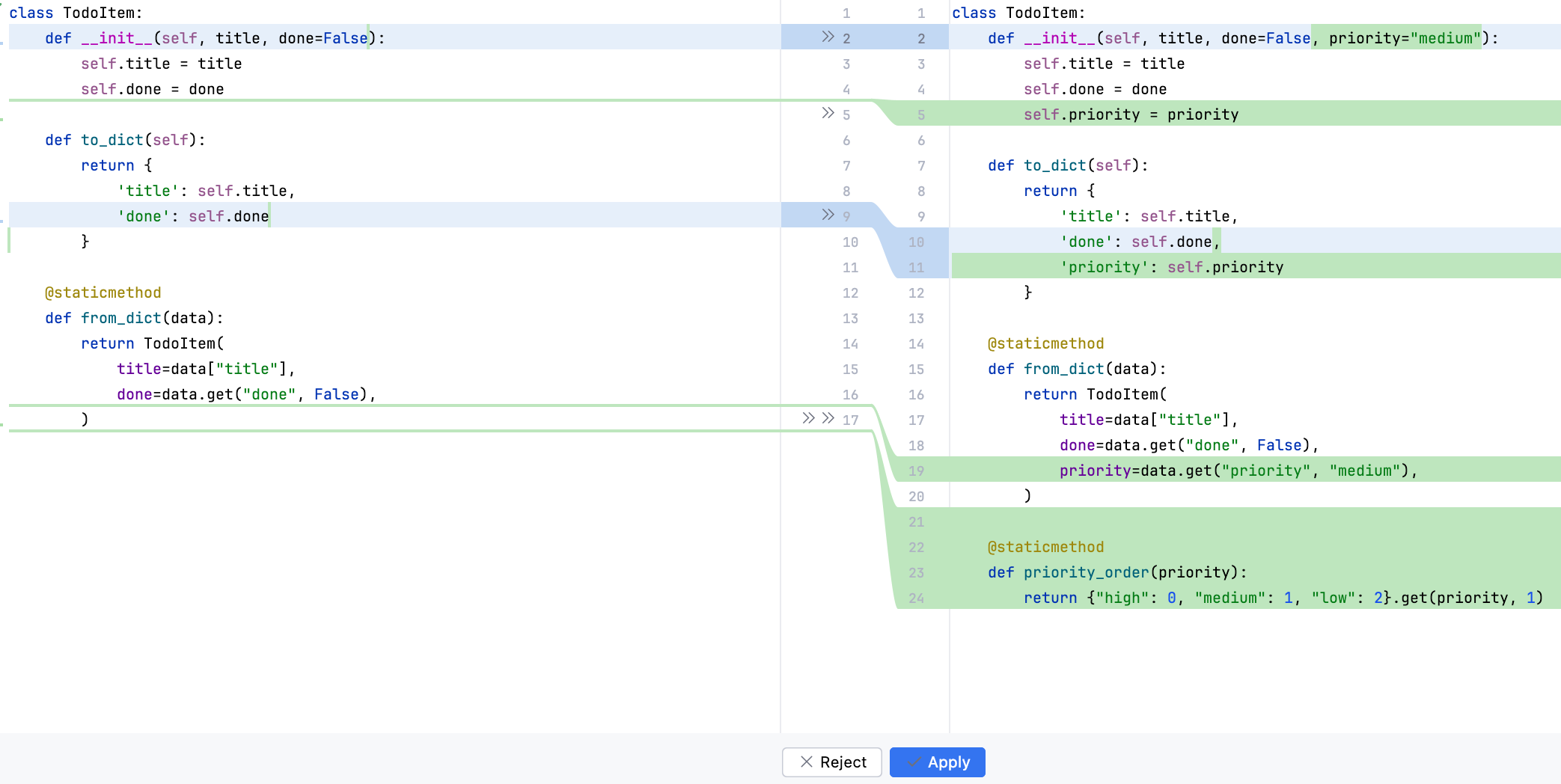
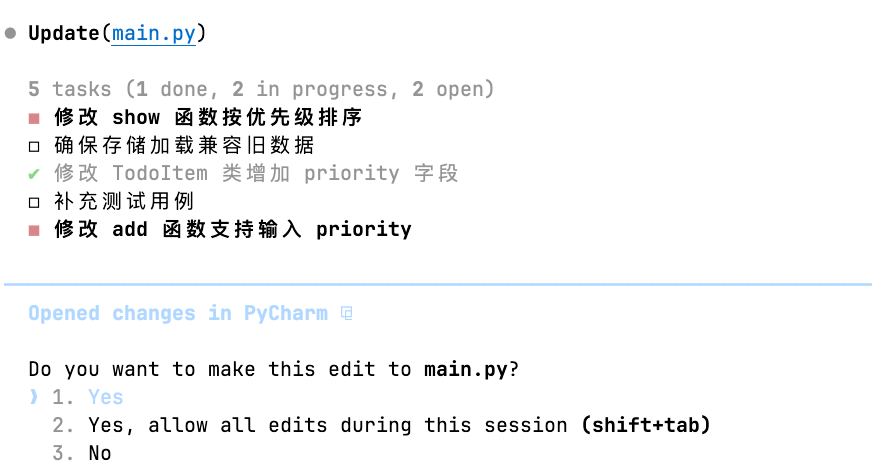
- 修改 TodoItem 类增加 priority 字段
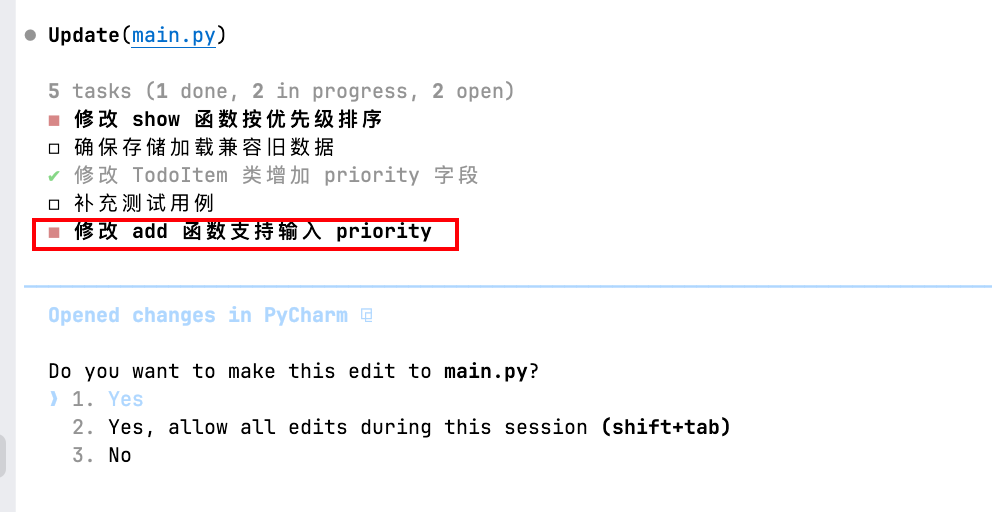
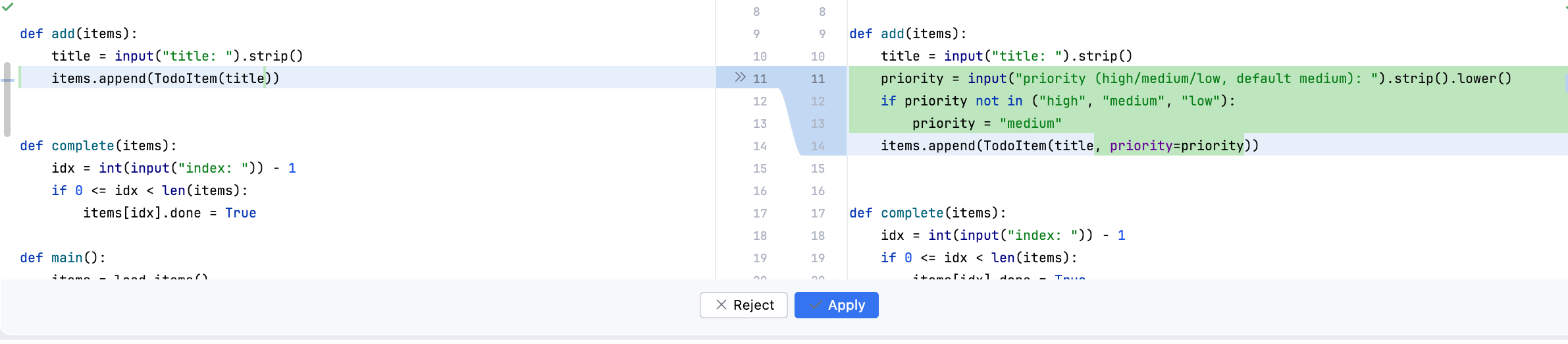
- 修改 add 函数支持输入 priority
- 修改 show 函数按优先级排序
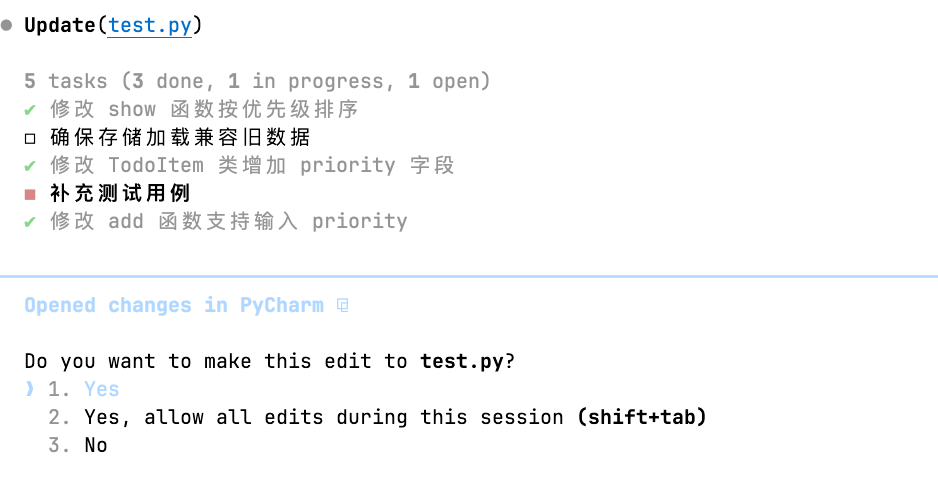
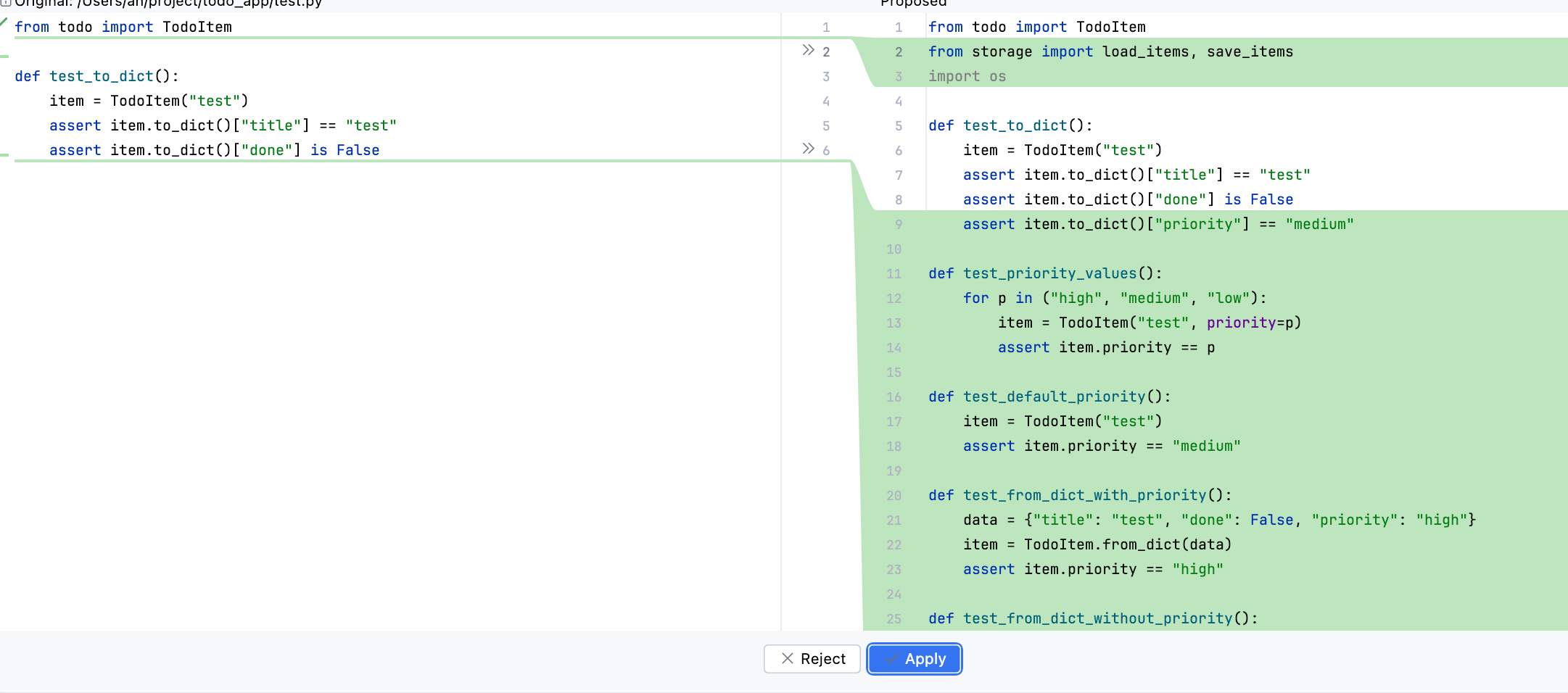
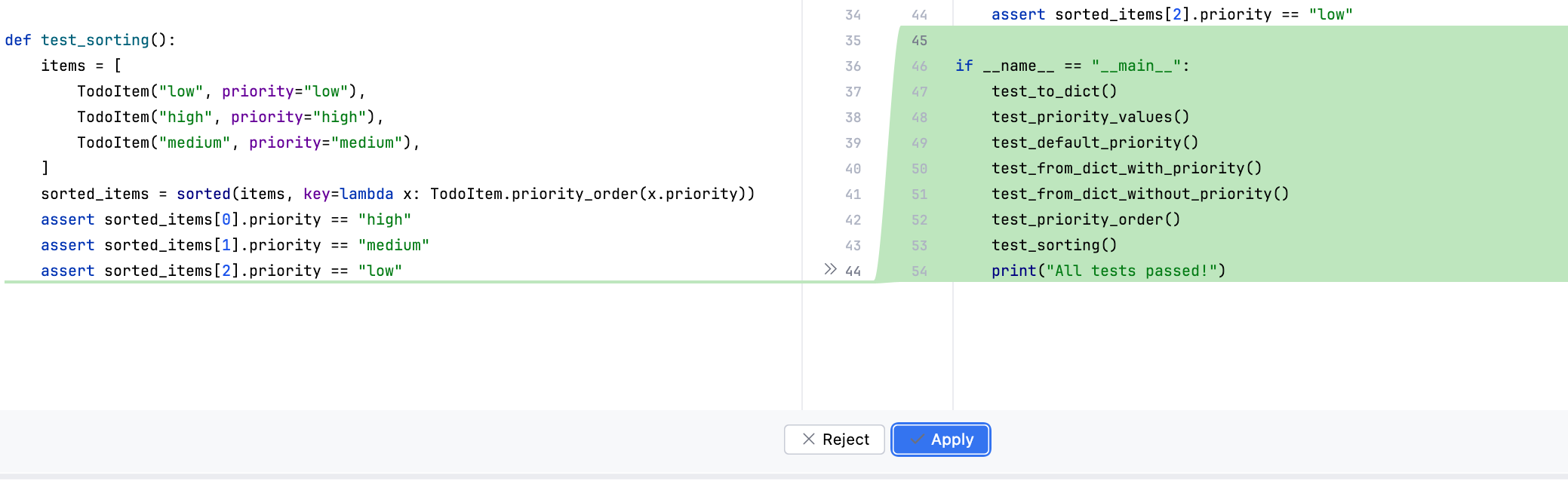
- 补充测试用例
- 确保存储加载旧数据
规划模式#
- 按 Shift+Tab 进入 plan mode
- 下达任务
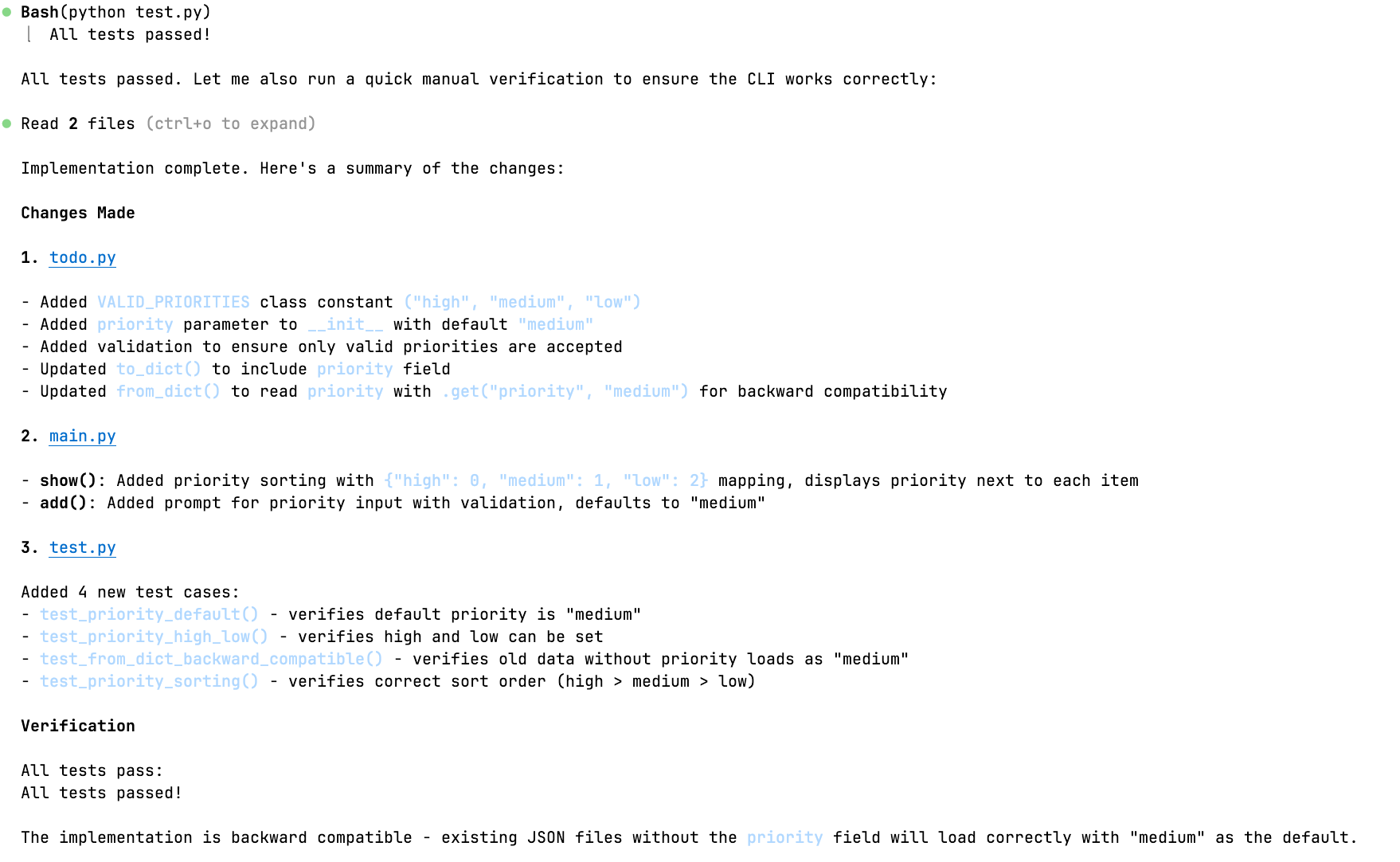
- 完成任务
👁️ 实验后:现象与数据 (Check)#
客观记录发生了什么,不要带主观评价。
观察到的现象:
成功了吗?报错了吗?报错信息是什么?
产出物的样子(附截图/照片)。
关键数据:
耗时、准确率、转化率、温度、分数等。
例:前5页成功,第6页开始报错 403 Forbidden。
🧠 深度复盘:分析与结论 (Act)#
这是学习发生的地方。将“经历”转化为“经验”。
结果对比:实际结果 vs. 预期假设。
符合预期 / 部分符合 / 完全相反
原因分析 (Why?):
为什么成功了?是运气还是方法对路?
为什么失败了?是假设错了,还是执行出问题了?
(可以使用“5个为什么”法进行深挖)
获得的知识点 (Key Learnings):
我学到了什么新概念?
纠正了什么旧认知?
下一步行动 (Next Actions):#
✅ 验证通过,纳入标准流程。
🔄 验证失败,修改假设,开启下一次实验(EXP-002)。
❓ 产生新问题:[记录新问题]